Help
🎮 Gameplay & Technical Support
1. Do I need to download or install the games?
No. All games on PCSGame are in HTML5 format. This means you can play them instantly directly in your browser without downloading any apps or installing additional plugins.
2. What should I do if a game fails to load or shows a black screen?
If a game is not running properly, please try the following steps:
Refresh the page: Press F5 or click the refresh button on your browser.
Check your connection: Ensure your internet connection is stable.
Disable Ad-Blockers: Some game components may be blocked by ad-blocking tools. Try disabling them and reloading the game.
Clear Browser Cache: A full cache can sometimes cause loading errors. Clear your browser's cache and try again.
3. How do I control the games?
Desktop: Most games use the Mouse, Arrow Keys (↑↓←→), or WASD keys.
Mobile (Phone/Tablet): Use on-screen virtual joysticks or tap/swipe gestures.
Specific "Controls" for each game are usually listed right below the game player window.
💻 Performance & Compatibility
1. The game is lagging. How can I fix this?
Close extra tabs: Running too many browser tabs consumes memory.
Update your browser: We recommend using the latest version of Google Chrome, Mozilla Firefox, or Safari for the best performance.
Enable Hardware Acceleration: Ensure that "Hardware Acceleration" is turned on in your browser settings.
2. Can I play on my mobile device?
Yes! The vast majority of our games are fully compatible with iOS and Android devices. Simply visit pcsgame.com using your mobile browser.
💾 Saving & Progress
1. Will my game progress be saved automatically?
Yes, most games use your browser's Local Storage to save your progress automatically.
Note: If you clear your browser data, use Incognito/Private mode, or switch to a different browser, your progress may be lost.
🛡️ Safety & Privacy
1. Are there ads in the games?
To keep our service free, we may display short video ads before the game starts or between levels. These ads are provided by verified partners (such as GameDistribution) and are screened for safety.
2. Is PCSGame safe to use?
Absolutely. We never ask you to download executable files (.exe or .apk). All games run within the secure sandbox environment of your browser, ensuring no harm to your hardware.






Popular Games


Master Cornhole League: Ultimate Board Game Challenge
Sports, Simulation

Epic Tic Tac Toe Merge: Strategic Puzzle Battle
Boardgames, Merge
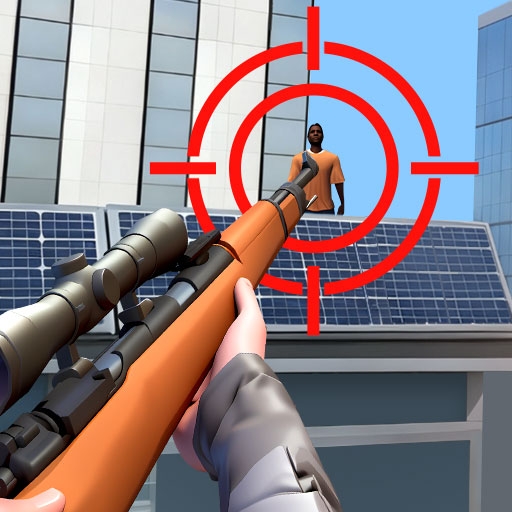
Deadly Sniper Showdown: FPS Action Adventure
Shooter

Master Ludo Star: Strategy Board Game
Boardgames, Casual

Epic Backgammon Duel: Classic Board Strategy
Boardgames

Smash Chroma Tower: Color Puzzle Challenge
Puzzle
Exciting Word Search Universe 2: Brain-Boosting Puzzle Adventure
Puzzle, Educational
Epic ColorWars.io: Multiplayer Strategy Battle
Shooter, .IO

Ultimate Teacher Simulator: Classroom Adventure
Quiz, Simulation