📝 Description
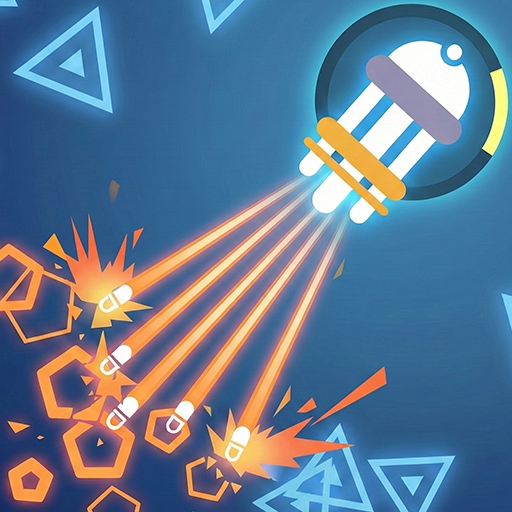
🌟 **Dive into GenFire!** A thrilling 360° battle where you face endless waves of elemental enemies in a vibrant, fast-paced world.
🎮 **How to Play:** Use WASD/Arrow keys to move and mouse to aim/shoot. Master skill-based combat to defeat fire slimes and bosses across 20 handcrafted levels.
🏆 **Why Kids Love It:** Exciting challenges, colorful graphics, and safe gameplay make it a top choice for browser games. Perfect for quick fun or long sessions!
🚀 **Play Now!** Join the action in this unblocked game and test your survival skills!
🎮 **How to Play:** Use WASD/Arrow keys to move and mouse to aim/shoot. Master skill-based combat to defeat fire slimes and bosses across 20 handcrafted levels.
🏆 **Why Kids Love It:** Exciting challenges, colorful graphics, and safe gameplay make it a top choice for browser games. Perfect for quick fun or long sessions!
🚀 **Play Now!** Join the action in this unblocked game and test your survival skills!
📋 How to Play
Move with WASD or Arrow keys. Aim and shoot with the mouse. Survive waves of enemies, collect coins, and progress through increasingly difficult levels.